
Spicy Mayo AI Image Generator
Make posters with every word spelled right, keep one character across a whole set, and fix photos by saying what to change.
What Is Spicy Mayo AI?
Spicy Mayo is the codename of an image model that appeared in blind image battles on Arena in September 2026. Testers noticed three things right away: finer texture detail, text that comes out spelled correctly, and characters that stay the same from one image to the next. Spicy Mayo AI is where you use that kind of image generation without joining a blind test: type a prompt or upload a photo, and get a finished image in your browser.
- First seen: Arena image battles, September 2026
- Known for: texture detail, in-image text and character consistency
- Best for: posters, product shots, character sets and photo edits
What Spicy Mayo AI Does Better
Six things most image generators struggle with, and Spicy Mayo AI handles routinely.
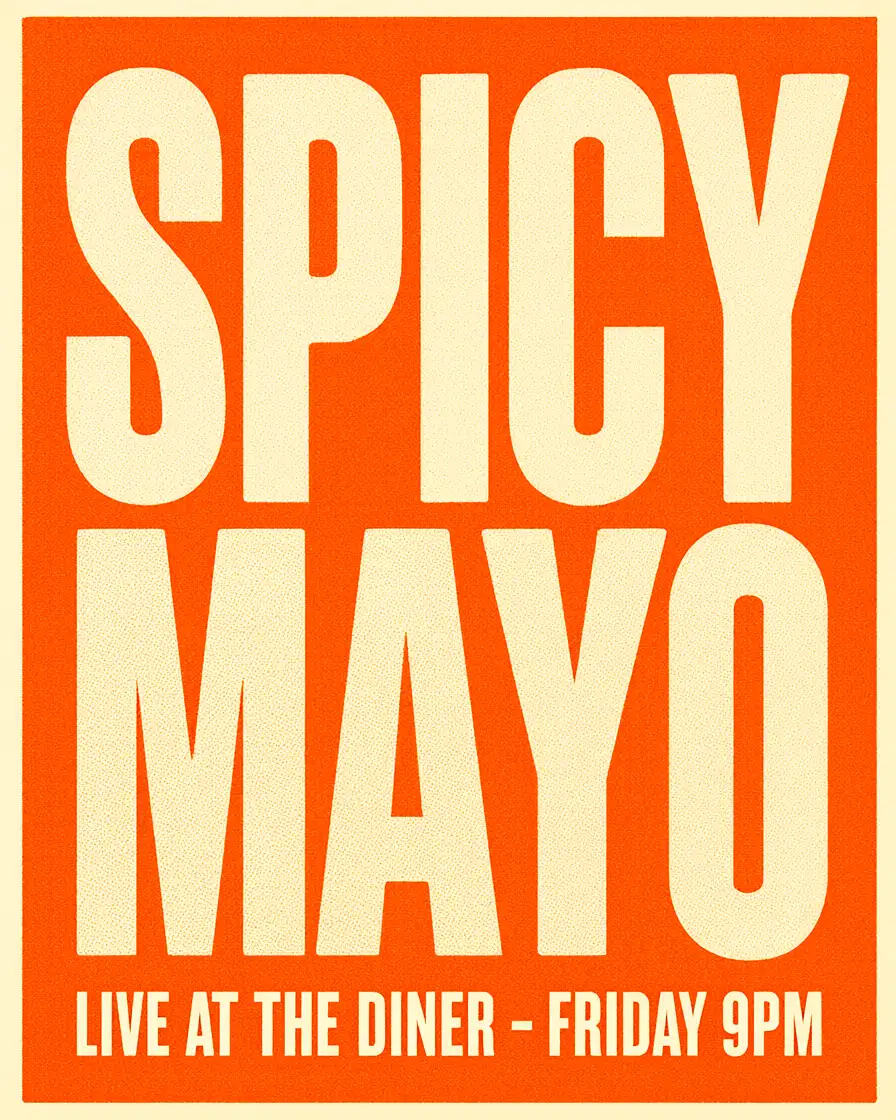
Text That Comes Out Spelled Right
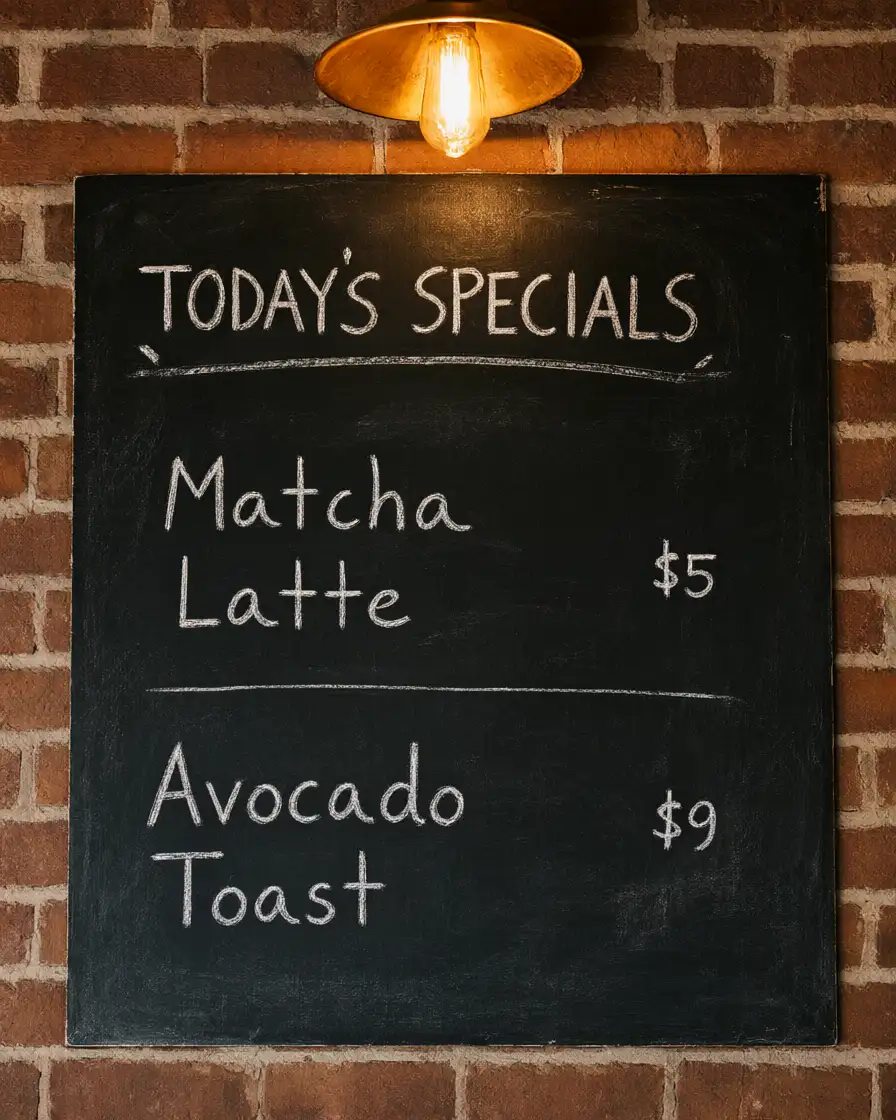
Headlines, labels, menus and signs render as the words you typed. Put the exact wording in quotes, say where it goes, and it lands on the image without garbled letters to fix afterwards.
One Character Across a Whole Series
Upload a reference of a person, mascot or product and describe new scenes. Face, outfit and proportions carry over, so a storyboard, comic or product set looks like it belongs together.
Edit a Photo by Describing the Change
Say "replace the sky with a sunset" or "make the jacket red". Only that part changes; lighting, pose and background stay where they were.
Combine Several Photos in One Scene
Drop in a product, a model and a location photo and ask for them together. Perspective and light are matched, so the result does not look pasted together.
Texture You Can Zoom Into
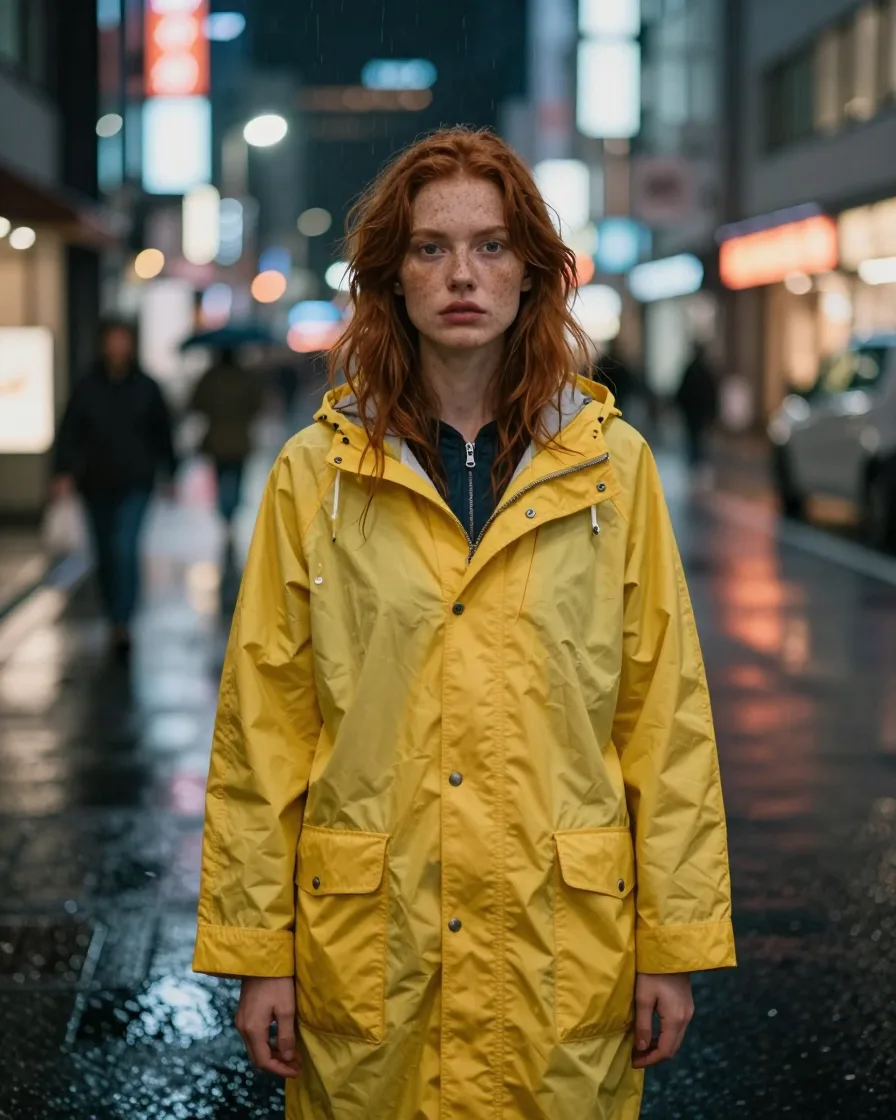
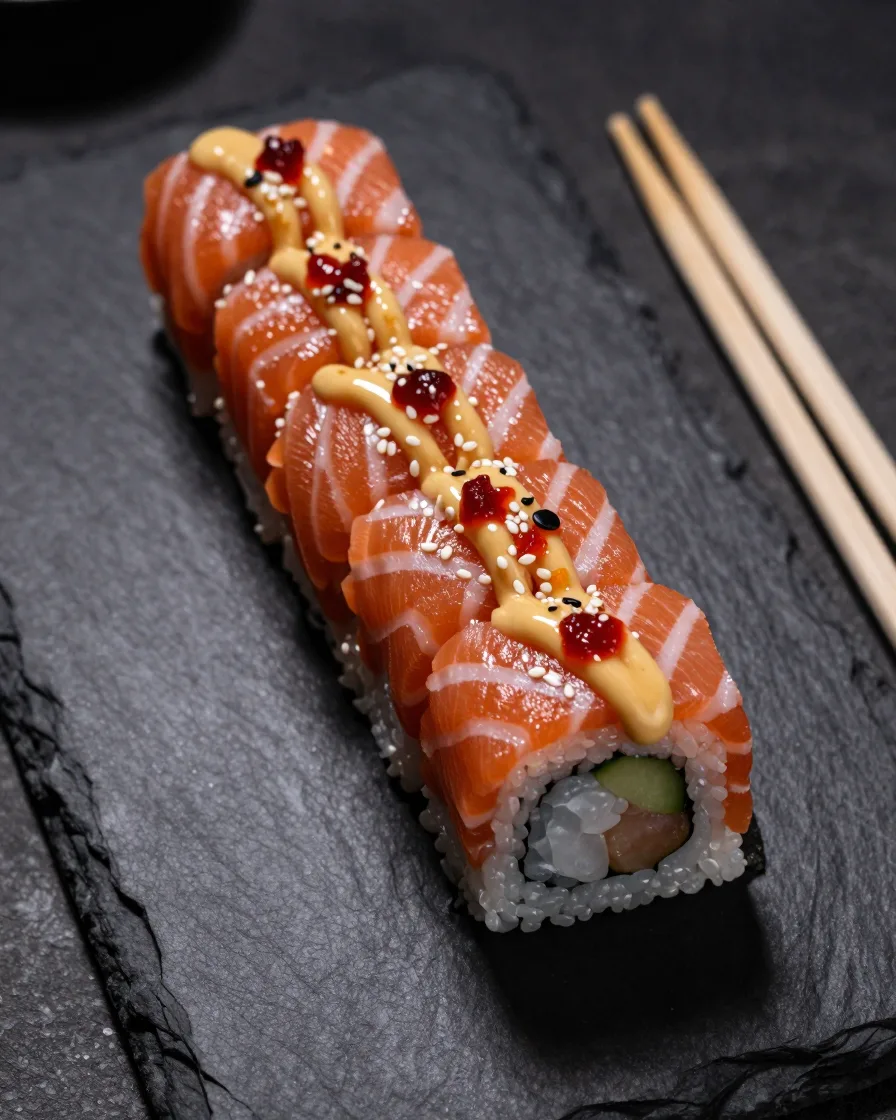
Skin, fabric weave, brushed metal and food gloss hold up close, which is what separates a usable product shot from an obvious AI render.
A Library of Prompts That Already Work
Browse a curated Prompt Library with a preview for every prompt. Unlock one and it opens in the generator, ready to run as is or adjust.
How to Use Spicy Mayo AI
From idea to finished image in three steps.
Describe the Image or Upload a Photo
Write what you want to see. To edit a picture or keep a character consistent, add one or more reference images.
Say What Matters Most
Quote any text that must appear, name what should stay unchanged, and pick the aspect ratio for where the image will be used.
Generate, Refine and Download
Review the result, ask for one change at a time until it looks right, then download the image.
Spicy Mayo AI Examples
Hover any image to see its prompt, copy it, or open it in the generator.



Spicy Mayo AI Use Cases
Who uses it, and for what.
E-commerce Product Photos
Place one product photo into clean studio scenes, lifestyle settings or seasonal campaigns without booking a shoot.
Posters, Ads and Social Graphics
Create launch posters, sale banners and social posts with the headline already in the image, spelled the way you wrote it.
Packaging and Label Mockups
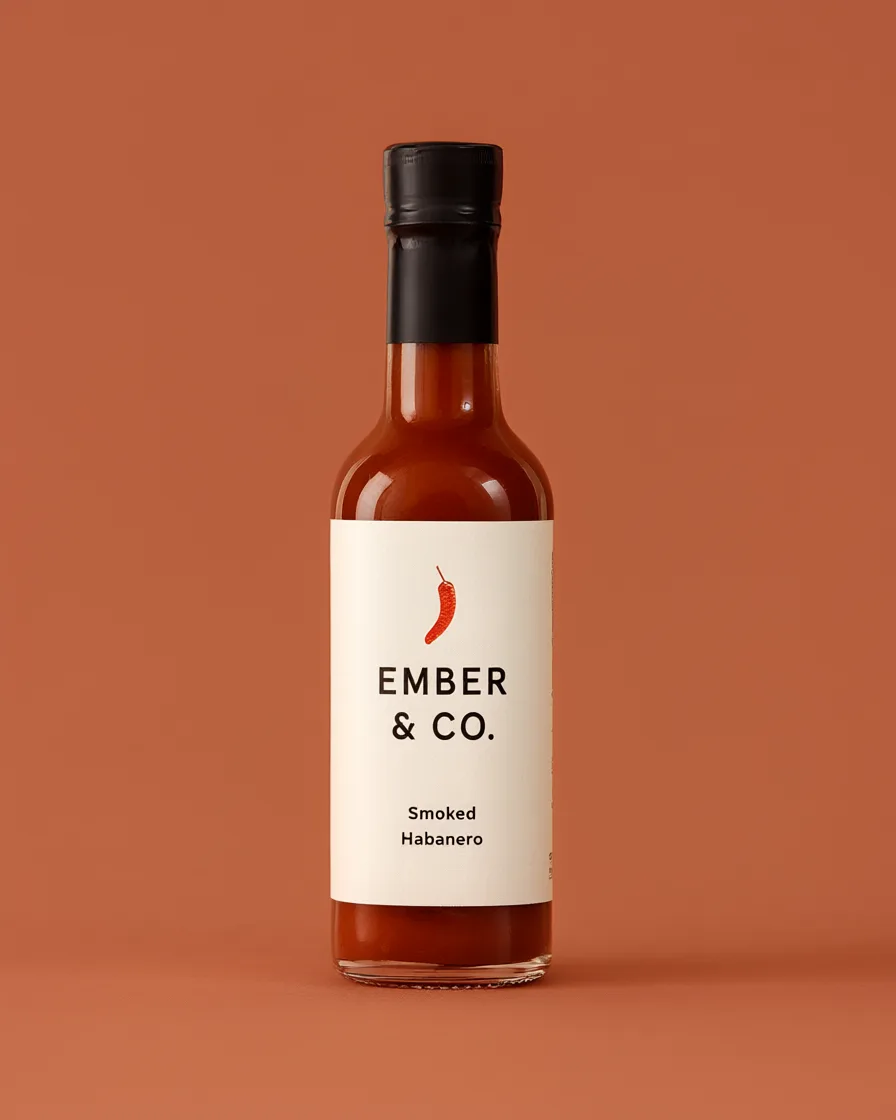
Preview a bottle, box or bag design with real brand text before anything goes to print.
Comics, Storyboards and Character Sheets
Keep a hero, mascot or brand character recognizable across every panel and pose.
Portrait and Photo Retouching
Change the background, outfit or lighting of an existing photo while the person still looks like themselves.
Menus, Signage and Presentations
Produce menu boards, event signs and slide visuals where every line of text is legible.
What Creators Say About Spicy Mayo AI
Feedback from people who use it for real work.
I shot one photo of our candle and turned it into twelve lifestyle images for the product page in an afternoon. The label text stayed readable in every one.
A client asked for three poster directions with the event name on each. All three had the name spelled correctly on the first try, which saves me a whole round of cleanup.
I upload a reference sheet of my main character and she actually stays the same across panels: same haircut, same scarf. Other tools kept changing her face.
We mock up social ads before the design team touches them. Saying "change the background to a beach" and having everything else stay put is what sold us.
I made our new chalkboard menu and a window poster in ten minutes. Prices and item names came out exactly as I typed them.
Virtual staging for empty rooms looks natural. The light from the windows matches the shadows under the furniture.
Spicy Mayo AI FAQ
Answers about the model, in-image text, characters and editing.
Spicy Mayo AI Pricing
Start with free credits when you sign up, then pick a plan when you need more.
plan_names.basic
plan_names.pro
plan_names.max
need_flexibility
view_full_pricing